
Features
Remember to put your trays back in. Know your daily wear time.
Simple tools for tracking aligner wear, keeping up with tray changes, and reviewing your progress.
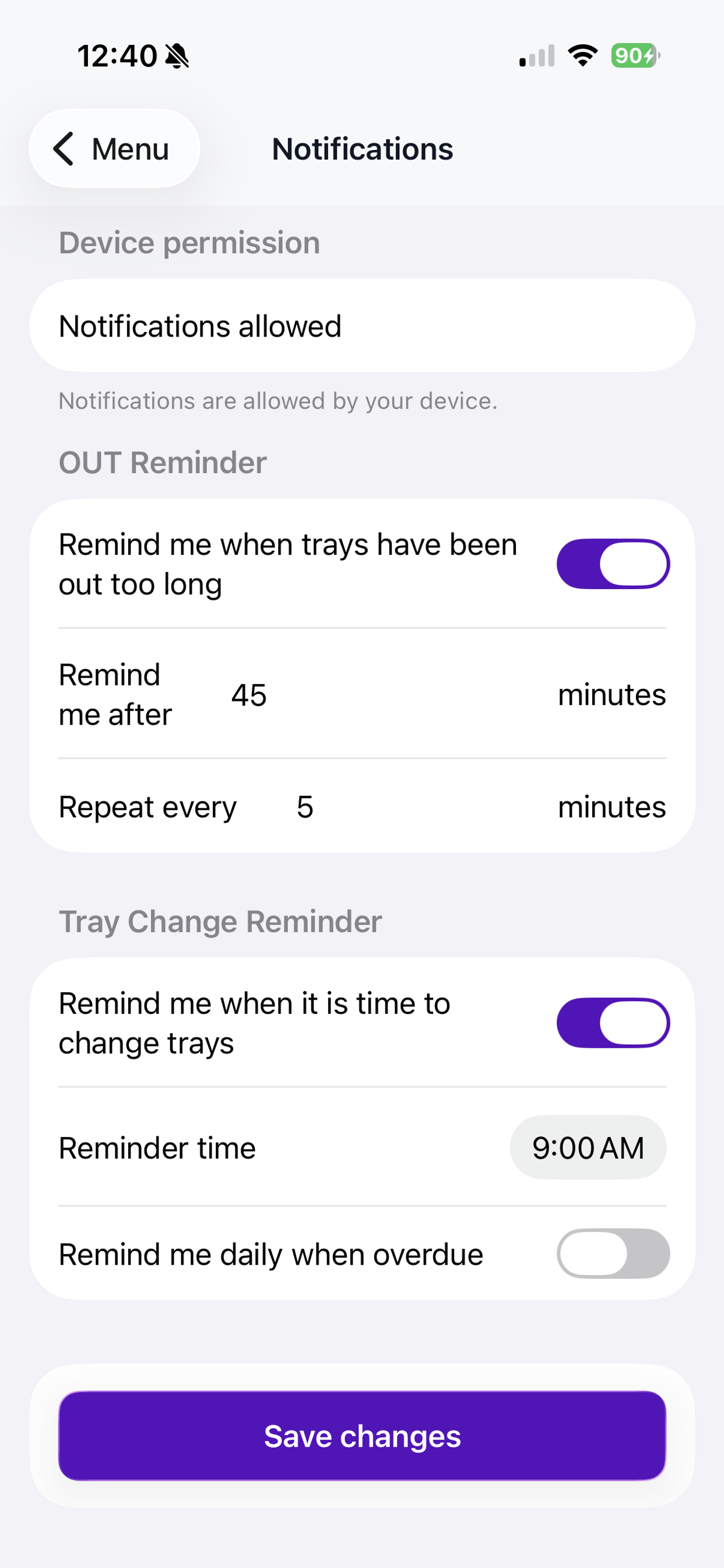
Reminders to put trays back in.
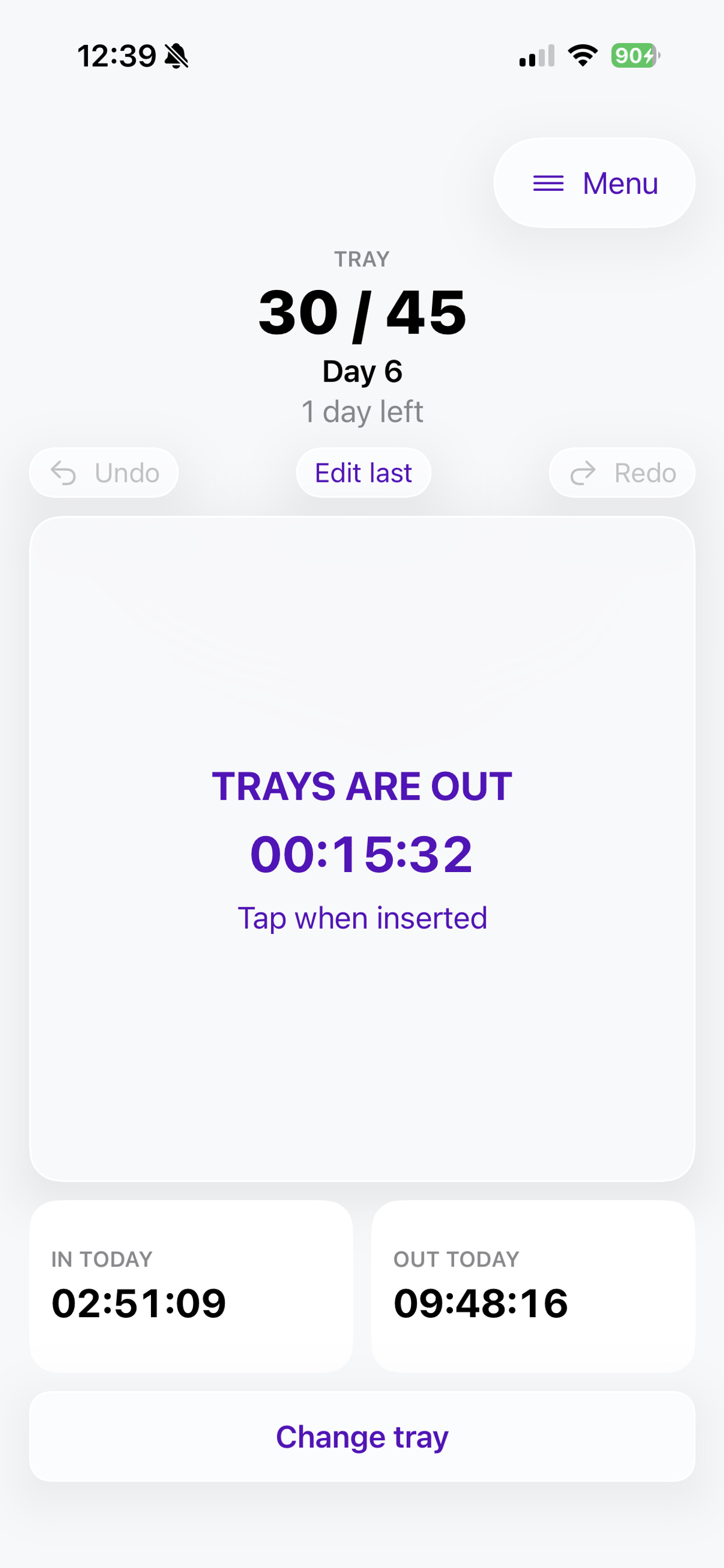
Mark your trays OUT and get a reminder after your chosen interval. Customize the timing and follow-up reminders in the app.
Know your daily average.
See your average recorded wear time for your current tray and overall treatment, and compare daily wear with the goal prescribed by your orthodontist.
Local-first by design.
Core tracking works without an account or internet connection. Your treatment records stay on your iPhone, and reminders are scheduled on your device. Read our Privacy Policy.
See Aligner Tracker in action
Why I built it
I’m a University of Florida Computer Science graduate, cum laude. I used to set timers in the iPhone Clock app to remind myself to put my trays back in. Having those reminders built into my tracker made the routine easier. My orthodontist also asks whether I’m wearing my trays for 21–22 hours a day. Seeing my recorded daily average helps me answer with more than a guess.
Tools for your daily routine
Quick IN / OUT tracking
Record when your trays go in or out and see today’s recorded wear time.
Tray-change reminders
Get reminders for scheduled tray changes, with optional daily reminders when overdue.
Treatment progress and history
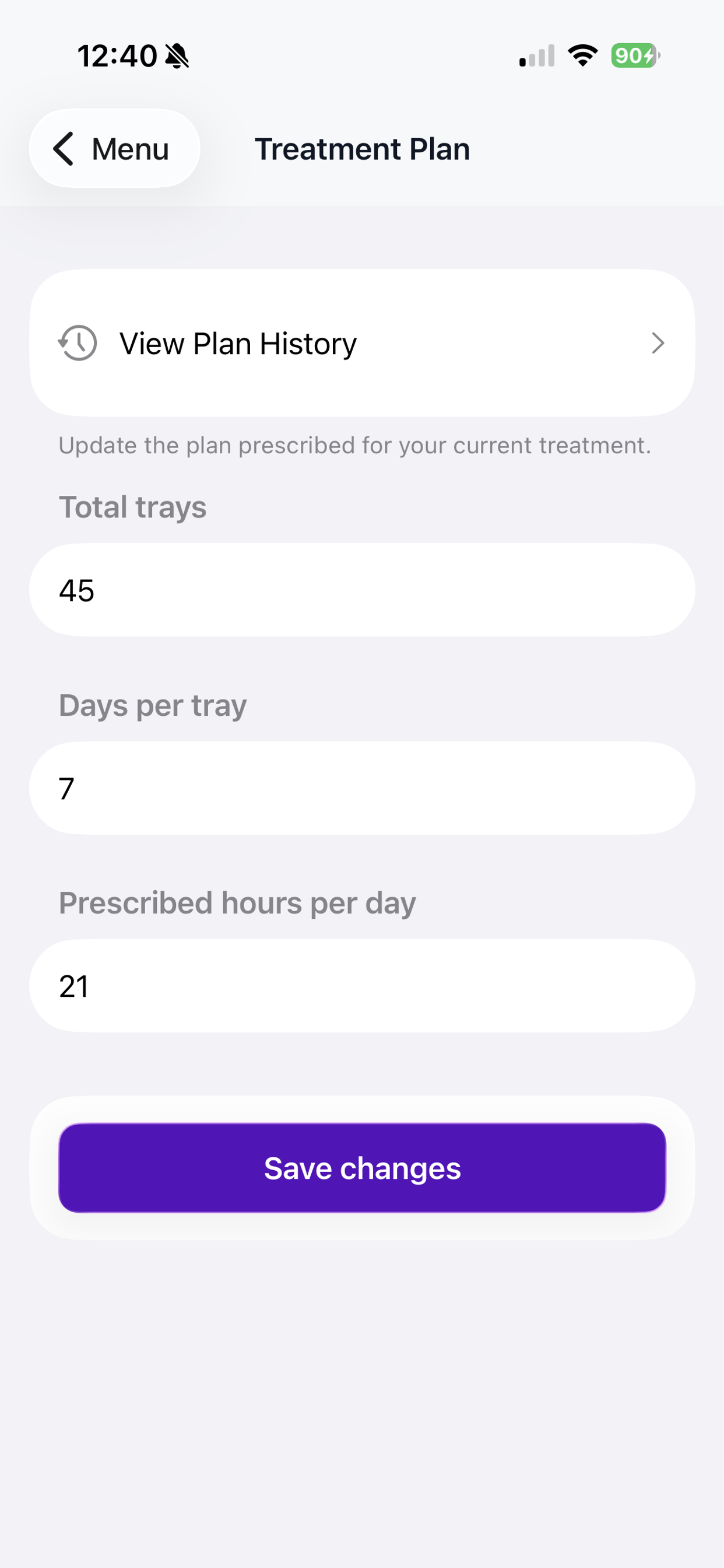
Keep track of your current tray, treatment day, tray changes, and treatment-plan history.
Correct recorded times
Fix an incorrect entry or add a missed time so your totals reflect your records.
Statistics and graphs
Review daily wear, goal comparisons, and time spent on each tray.
Share your progress
Preview and share a brief or detailed text summary, including useful information for appointments.
Treatment goals
Save the daily wear goal and tray schedule prescribed by your orthodontist so progress is measured against your treatment plan.
Built-in help
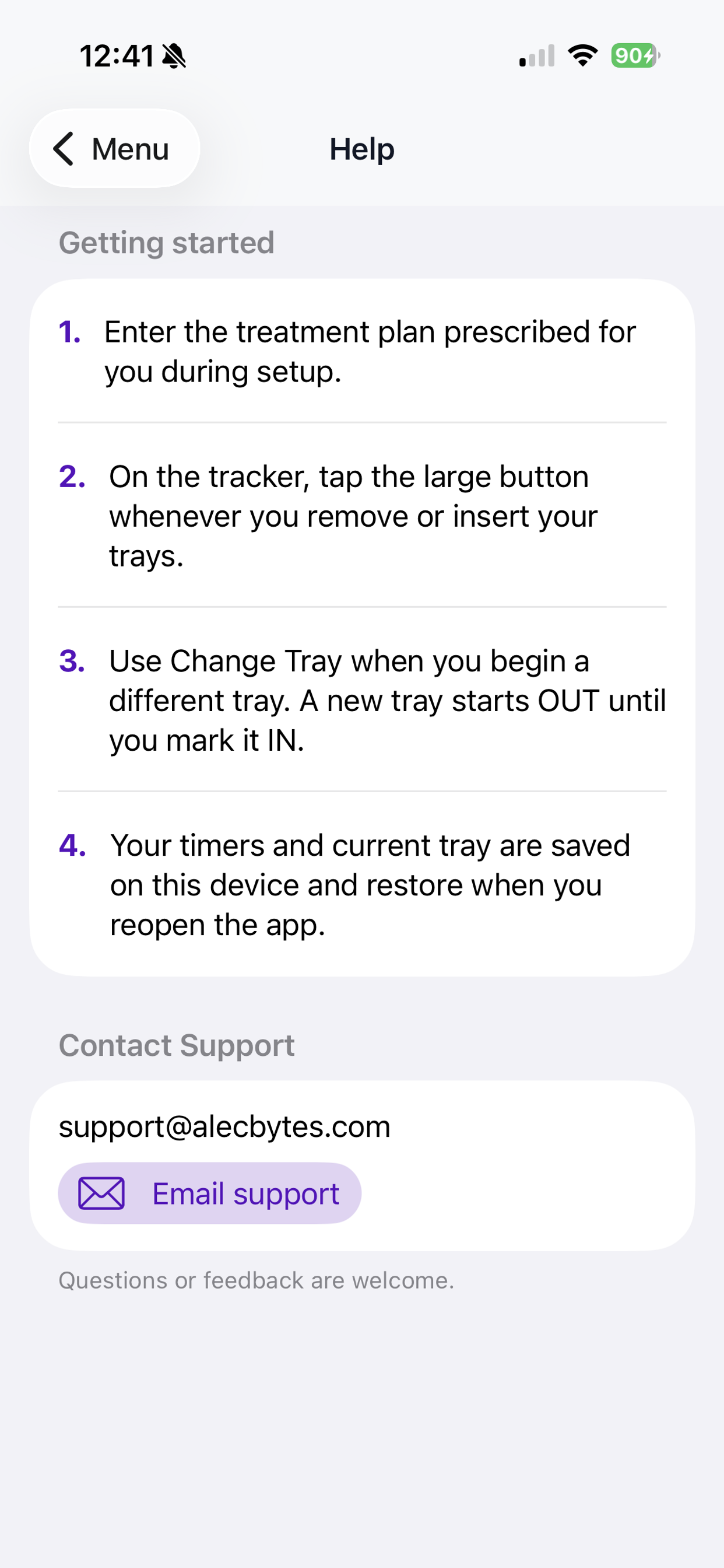
Find getting-started guidance and explanations of the app’s tools.
Coming soon to the App Store.
Have a question? Visit Help or read our Privacy Policy.